We will explore how UnoPim’s new release v1.0.0 introduced full PostgreSQL support unlocks super performance, scalability, and reliability for managing large product catalogs.
What’s new in v1.0.0: Full PostgreSQL support
PostgreSQL is now a first-class database option
As of the latest release, UnoPim officially supports PostgreSQL (version 14.x or higher) alongside MySQL.
This brings the robustness, reliability, and advanced features of PostgreSQL to UnoPim installations.
How to Install UnoPim with PostgreSQL
Installation remains mostly the same, but with PostgreSQL configuration during setup. When you run:
php artisan unopim:installThe installer will prompt you to choose Database Connection and then ask for the Database Host, Port, Name, Username, and Password. This is where you enter your PostgreSQL instance details.
However, in my case, I used the UI-based installation wizard, which also offers a clean and user-friendly way to configure your database.
Have a glance at the UI installation screen, where you will find pgsql available as one of the database options to select.
Please review the images below, which shows where I selected PostgreSQL as the database.
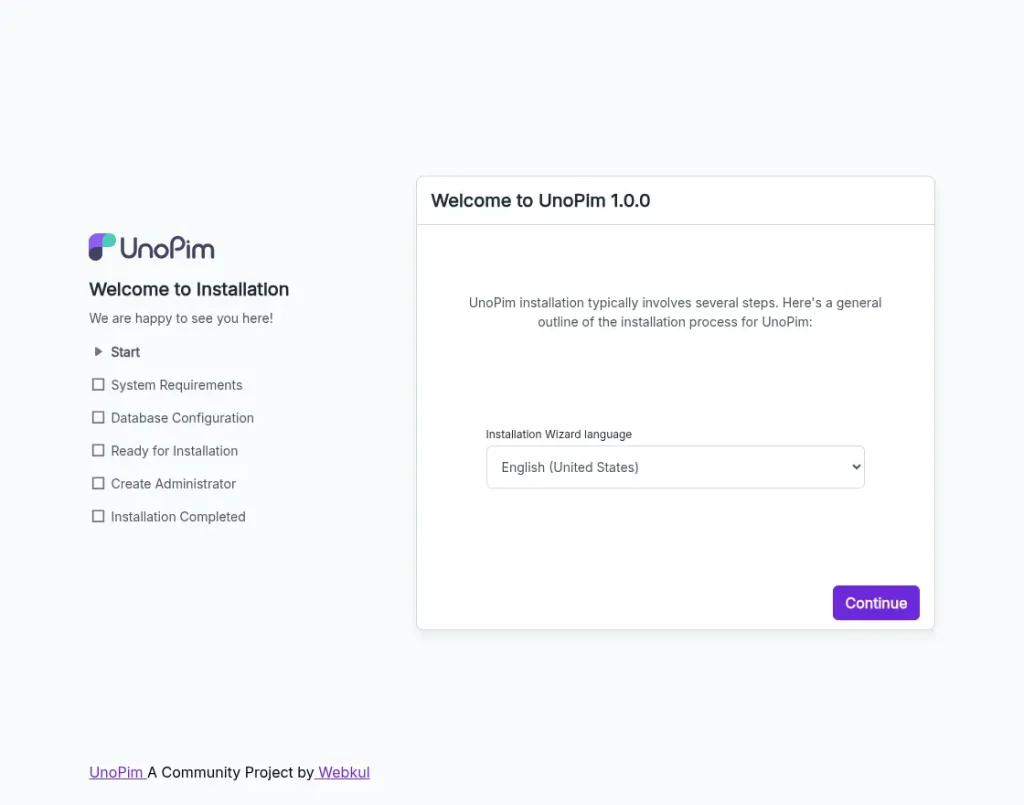
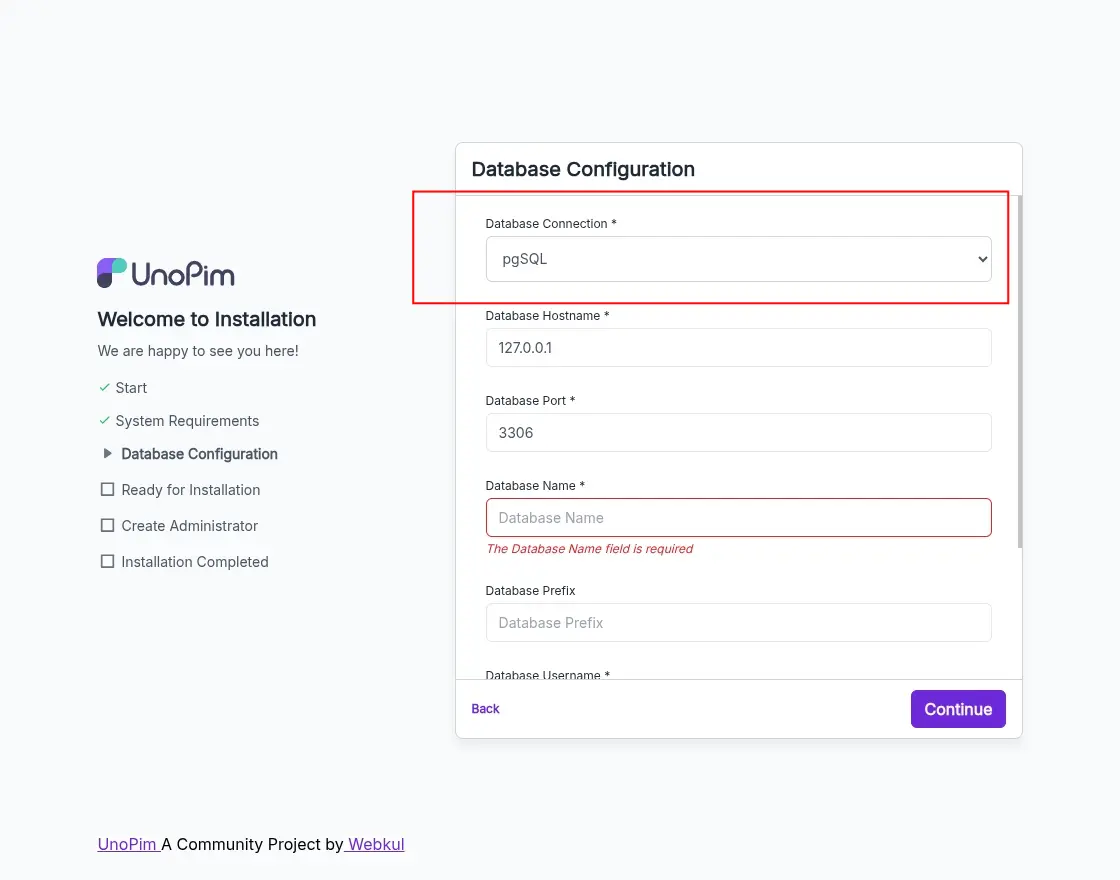
So the steps are like:
Clone or create the project via Composer:
composer create-project unopim/unopim
cd unopim
Run the installer:
php artisan unopim:installWhen asked, select pgsql as the database connection and provide the database details.
(If using UI installation) choose pgsql from the dropdown as shown in the screenshot.
Check out the installation details from the official UnoPim Installation Docs.
Obtain admin user credentials when prompted to complete setup.
If everything is configured correctly (PHP version, database credentials, permissions, etc.), the migration and setup process should finish successfully.
Why PostgreSQL support matters — Scalability, Performance & Stability
Choosing PostgreSQL for your PIM backend brings several real-world advantages:
- Better performance and scalability: PostgreSQL is well-known for handling large datasets and complex queries. UnoPim itself highlights enhanced database support with PostgreSQL on its roadmap to ensure better performance and scalability.
- Robustness and reliability: PostgreSQL offers strong ACID compliance, advanced indexing, concurrency controls, and more mature transaction support — which matters when you manage large product catalogs, many simultaneous users, bulk imports/exports, and complex data operations.
- Future-proof for large data and enterprise use: As product catalogs grow (thousands to millions of SKUs, multi-channel, multi-locale, multi-currency), the choice of a stable, high-performance RDBMS becomes critical. PostgreSQL support ensures UnoPim stays reliable under heavy load.
What this means for existing UnoPim users / new adopters
- If you are starting new with UnoPim — you can now choose PostgreSQL confidently during installation. You get a strong, scalable foundation from day one.
- If you are already using UnoPim with MySQL — and planning to migrate to PostgreSQL for performance reasons — you should check migration compatibility carefully (backup your data, test migrations).
- For businesses expecting high volume catalogs or heavy concurrent workflows (bulk import/export, many users, large media/asset usage) — PostgreSQL becomes a serious advantage.
Conclusion
With the release of v1.0.0, UnoPim’s full support for PostgreSQL marks a major milestone.
If you are building a new product catalog platform or scaling an existing one. Now it is a great time to adopt or migrate to PostgreSQL-backed UnoPim.
Explore the latest features of UnoPim v1.0.0 on the UnoPim demo today.
Thanks for reading this blog!!
Stay Connected!! Visit our Support Portal to raise a ticket anytime.


Be the first to comment.