
UnoPim BigCommerce Connector
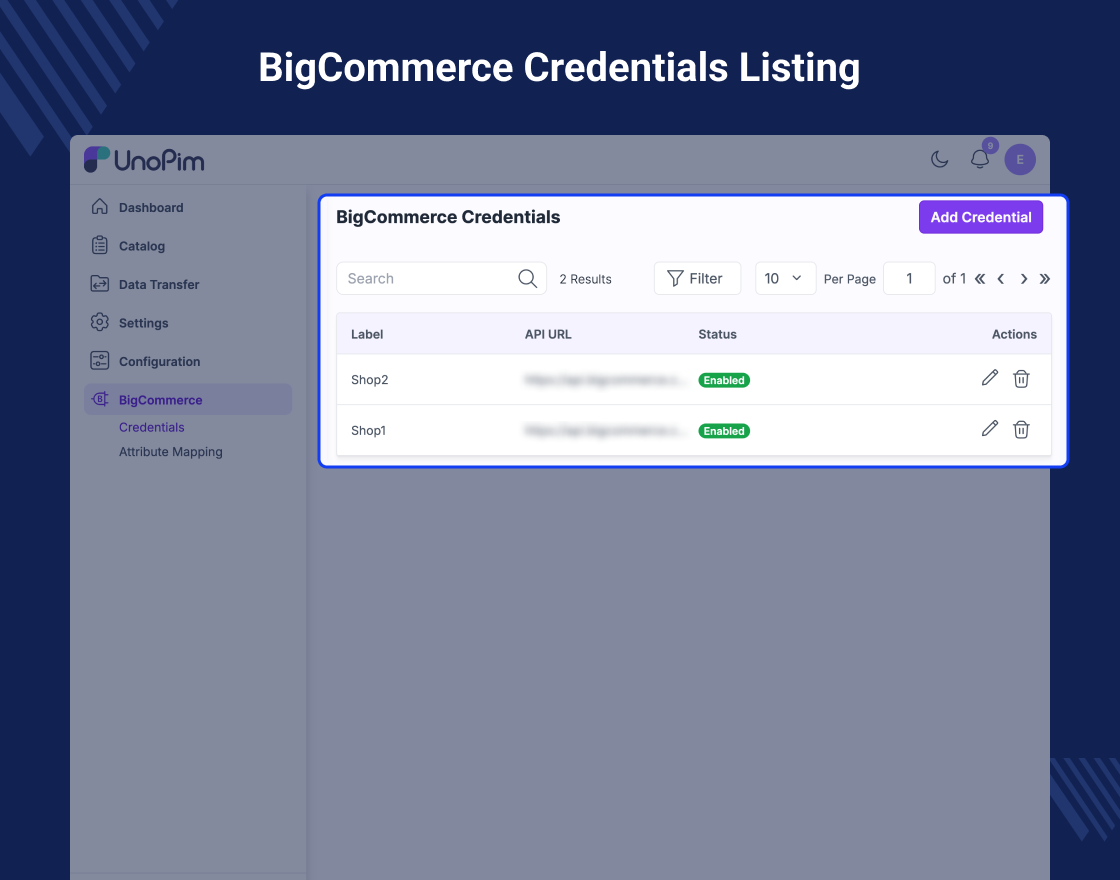
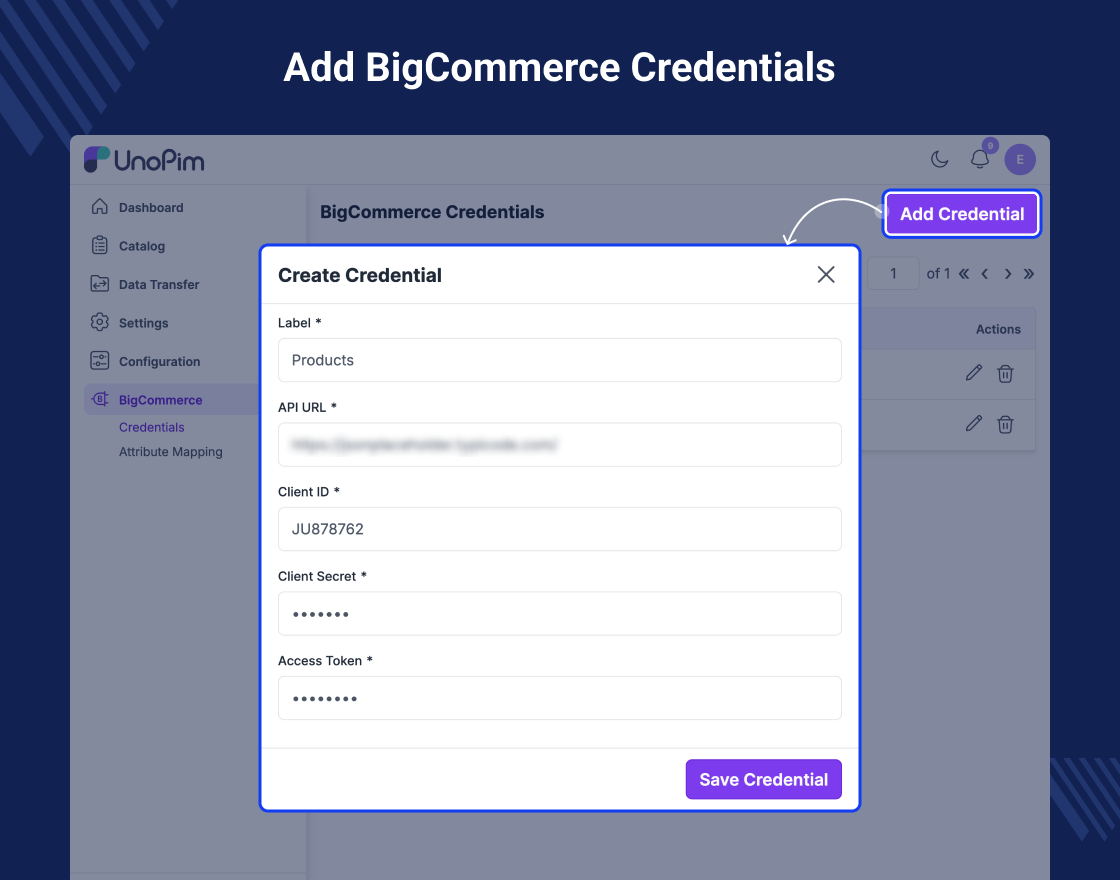
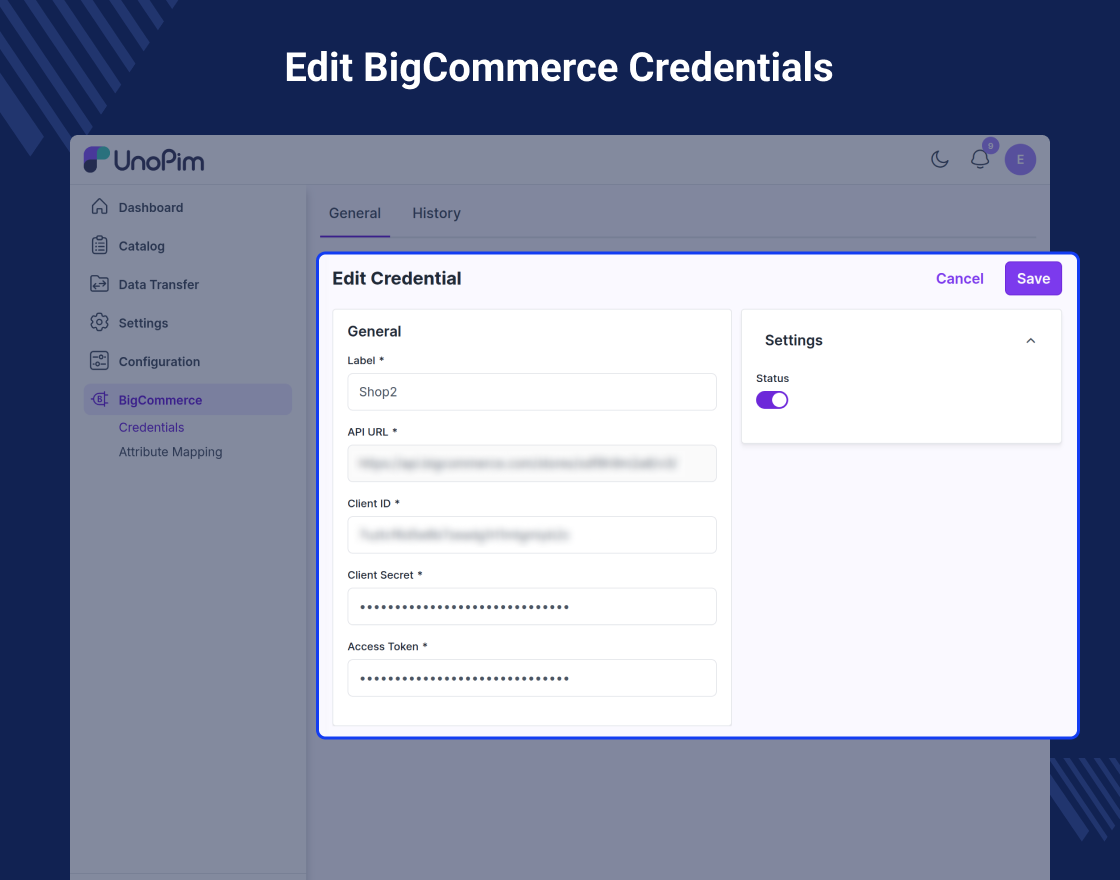
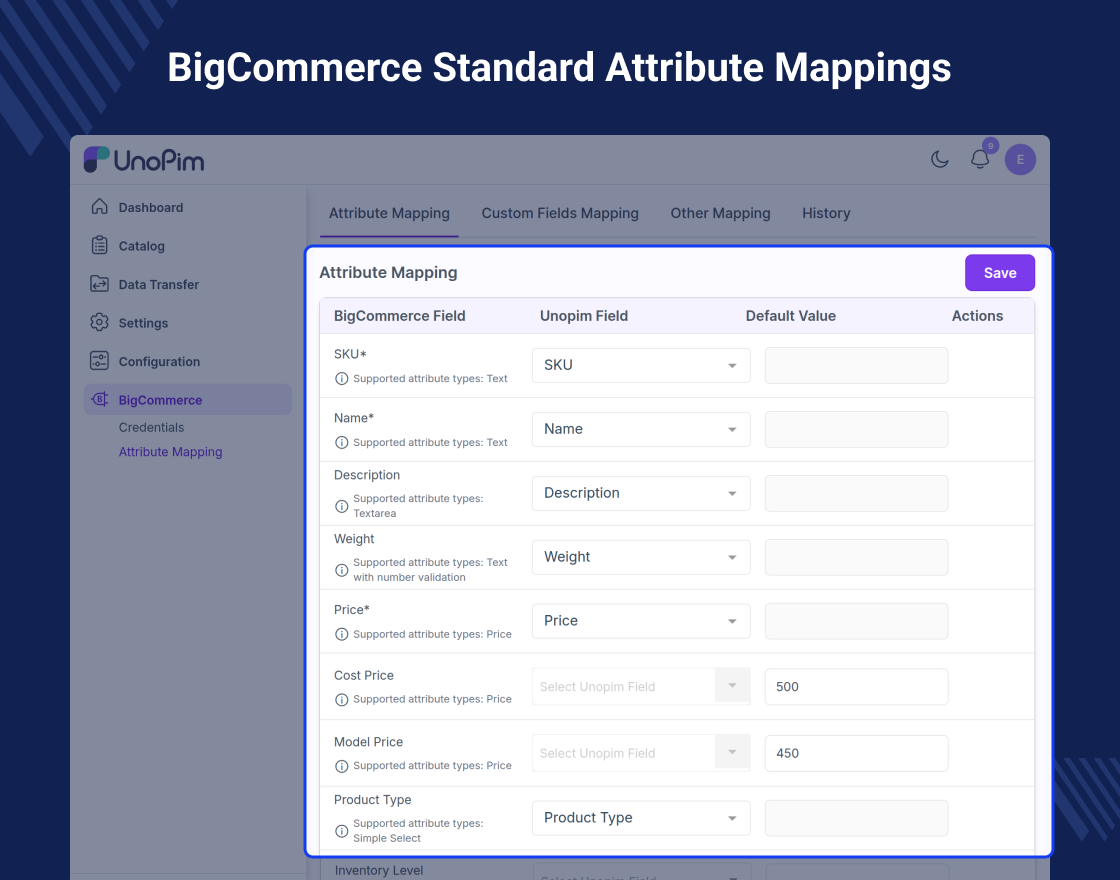
UnoPim BigCommerce Connector makes it easy to manage product data between UnoPim and BigCommerce. You can handle all product information from UnoPim and sync it with your store.
The module allows both import and export of data. You can send categories and products to BigCommerce or bring them into UnoPim.
It supports simple and configurable products, making it useful for different product types. This helps businesses manage their catalog in a better way.
By using this connector, you can reduce manual work and avoid data errors. It also helps keep your store data consistent and up to date.
Features:
- Connect UnoPim with your BigCommerce store
- Add and manage many BigCommerce store accounts
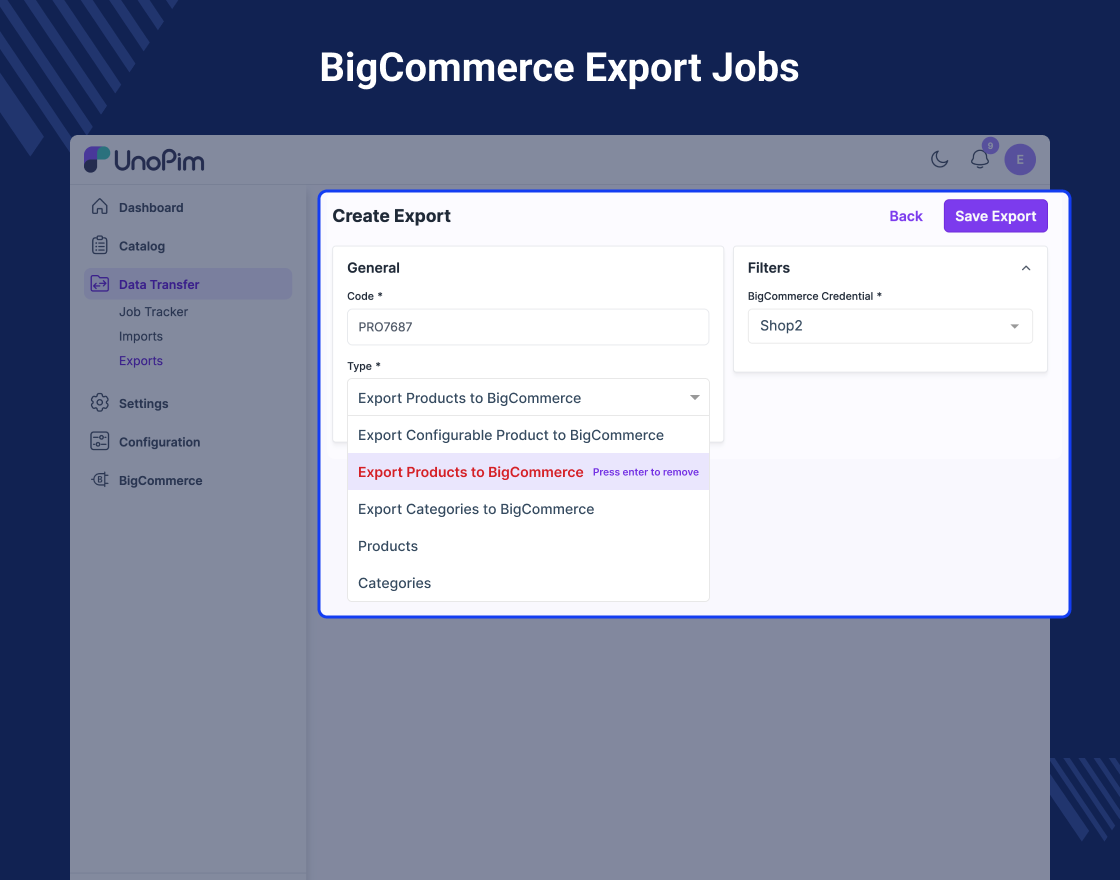
- Export categories from UnoPim to BigCommerce
- Export simple products from UnoPim to BigCommerce
- Export configurable product and variants
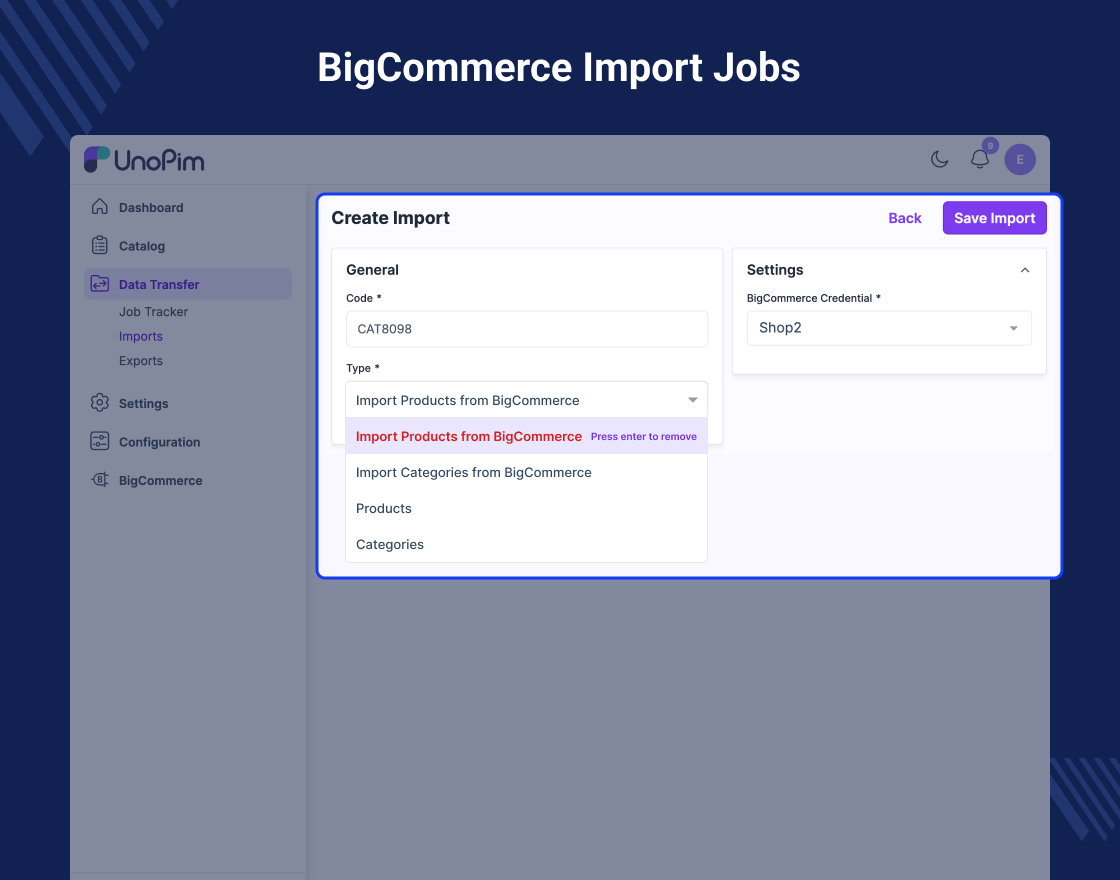
- Import categories from BigCommerce to UnoPim
- Import products from BigCommerce to UnoPim
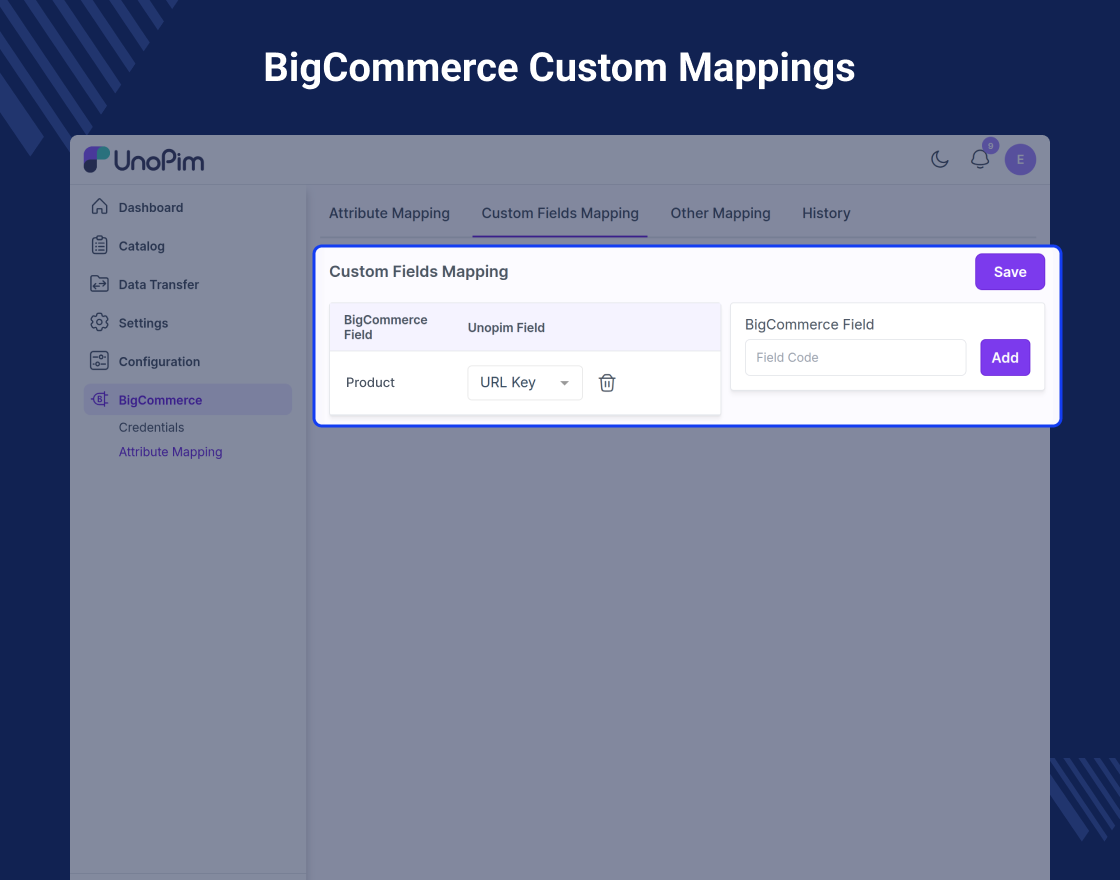
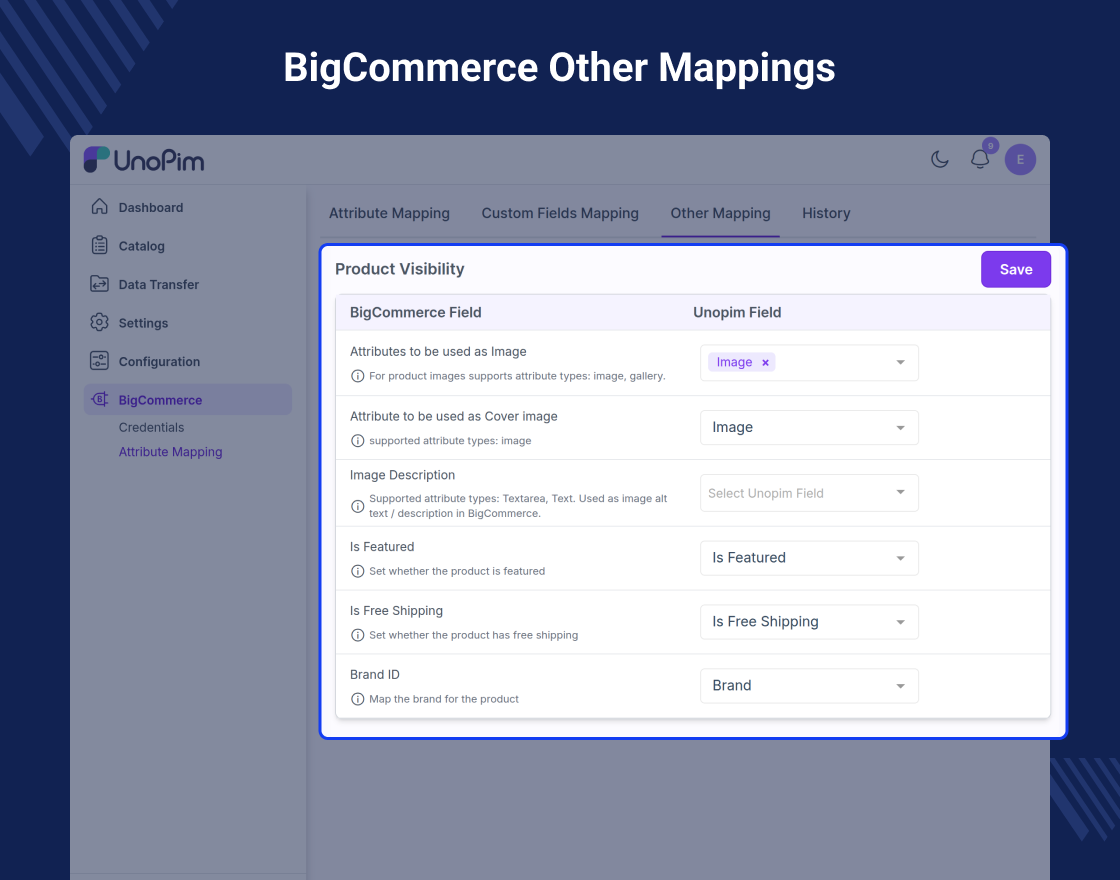
- Map UnoPim attributes with BigCommerce fields
- Create custom field mapping for extra product data
- Map product images, price, SKU, and other attributes
- Reduce manual work and save time with easy data moves
Why You Need to Use UnoPim BigCommerce Connector
Managing product data across platforms can be time-consuming. UnoPim BigCommerce Connector helps you manage everything from one place.
You can change details in UnoPim and send them to BigCommerce in just a few steps. This saves time and stops mistakes.
It also helps keep your store data consistent and up to date. This is useful for businesses managing large product catalogs.
You can also check the UnoPim WooCommerce Connector module to manage product data between UnoPim and WooCommerce easily.
